Reve 已停止提供服务。Reve 合作节点已退役,其工作流仅作为存档参考。
Reve 是一个通过合作节点在 ComfyUI 中可用的图像生成模型。它通过三个专用节点支持最高 4K 分辨率的文生图、图像编辑和图像混合。

Reve Image 擅长什么

  • 最高支持 4K 分辨率:以高分辨率生成清晰、细节丰富的图像
  • 内置审美训练:生成适合时尚大片、电影感及自然光风格的图像效果
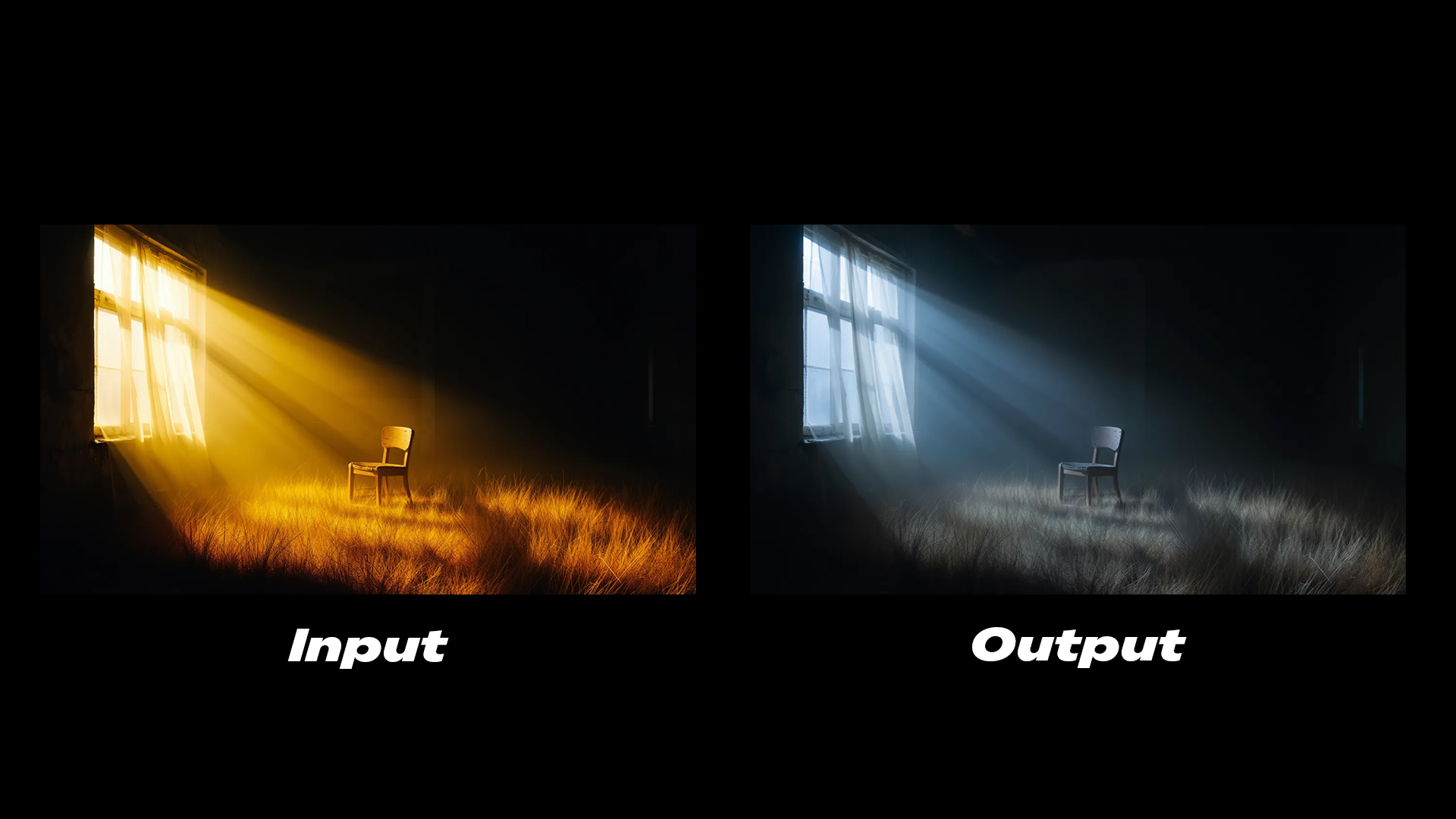
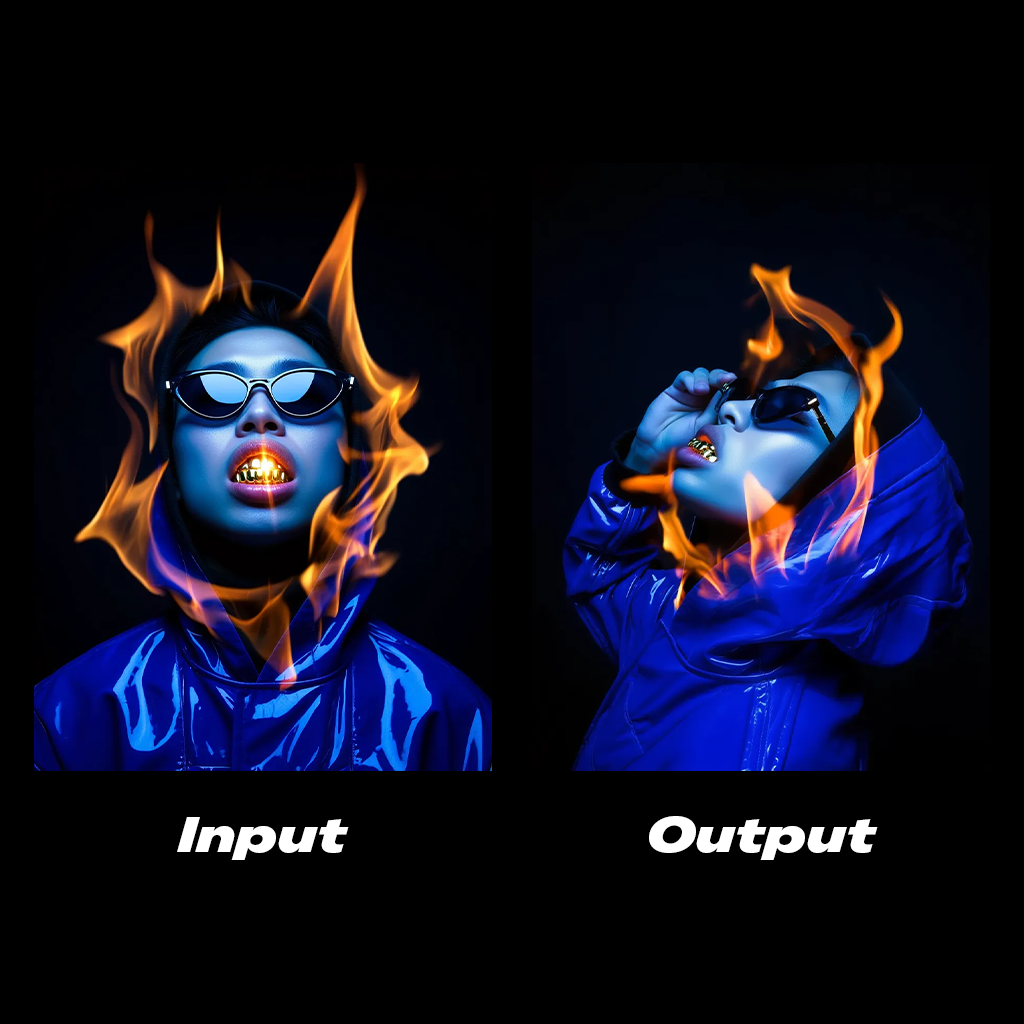
  • 图像编辑:修改现有图像的光照条件、颜色分级,并为图像添加动态效果
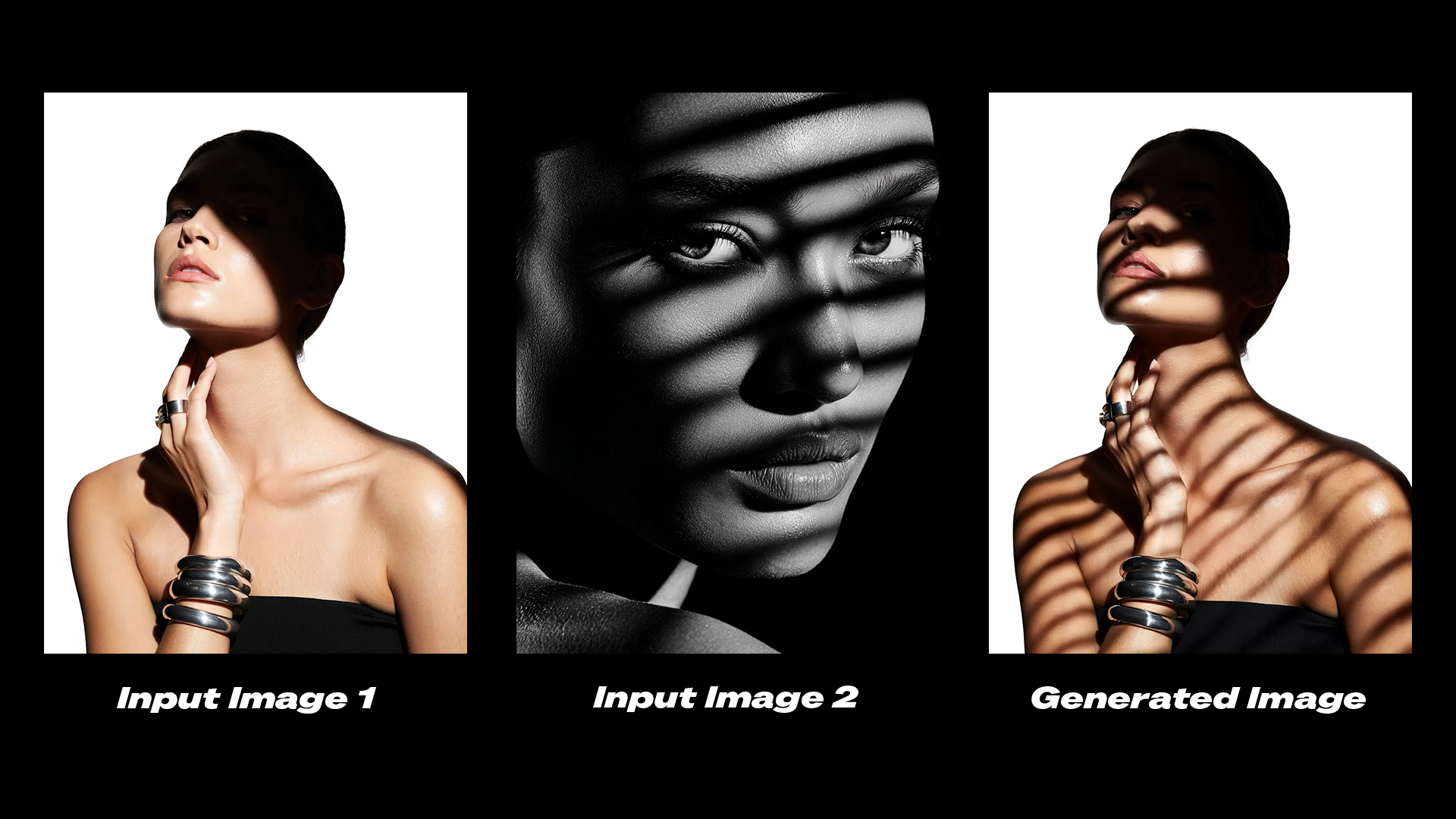
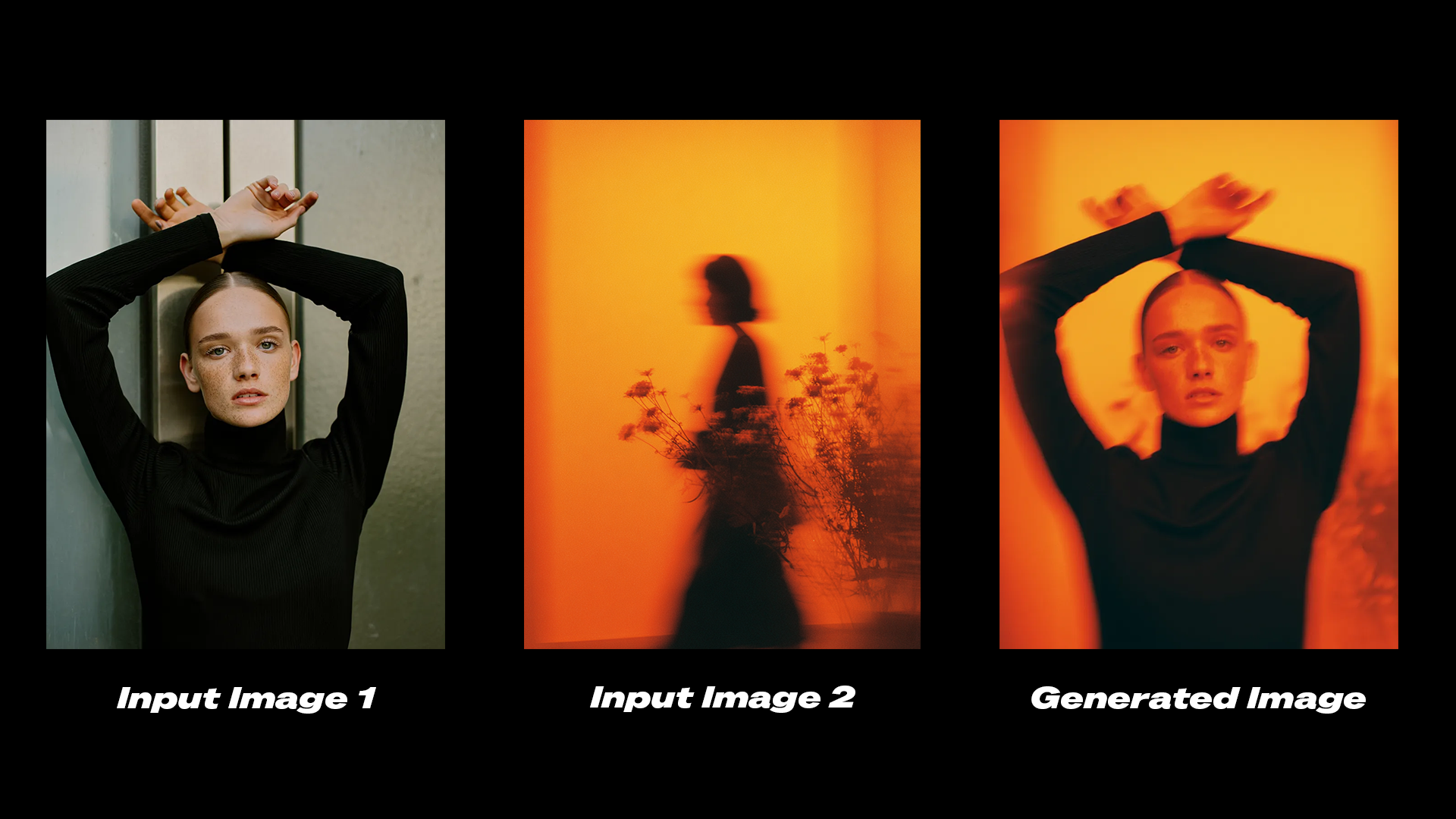
  • 图像重混:将参考图像中的元素组合到目标图像中,同时保持整体一致性

示例输出

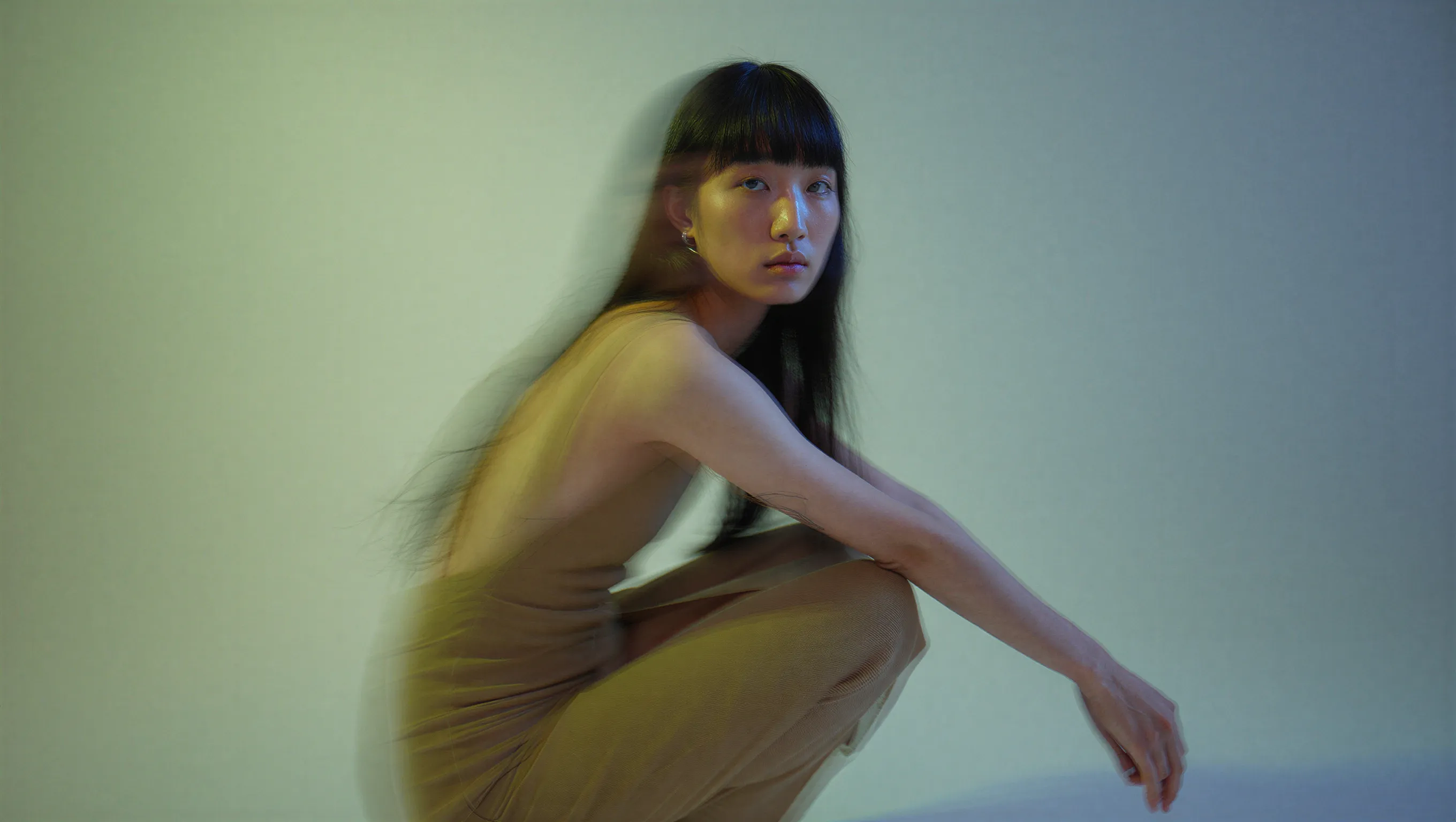
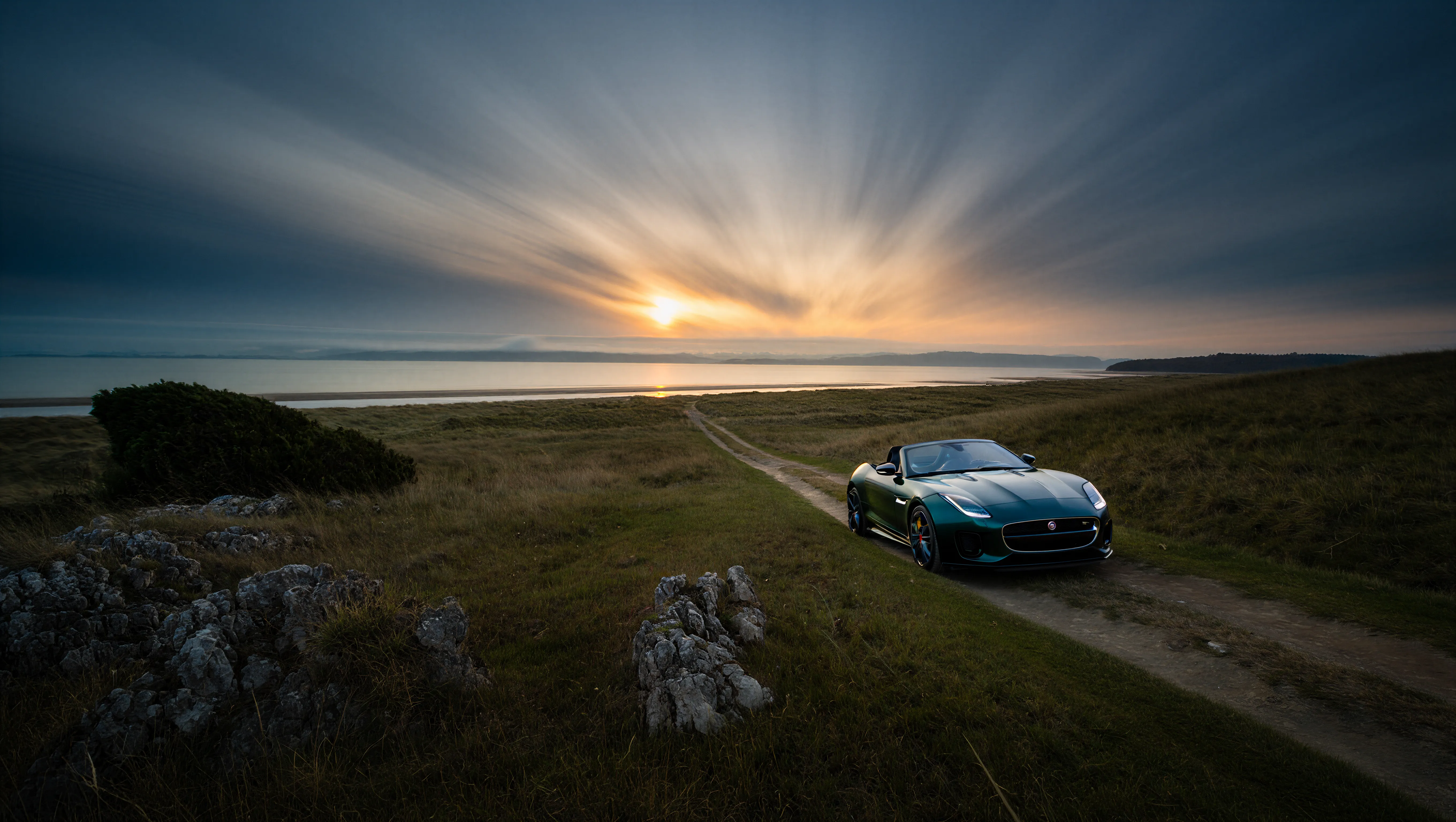
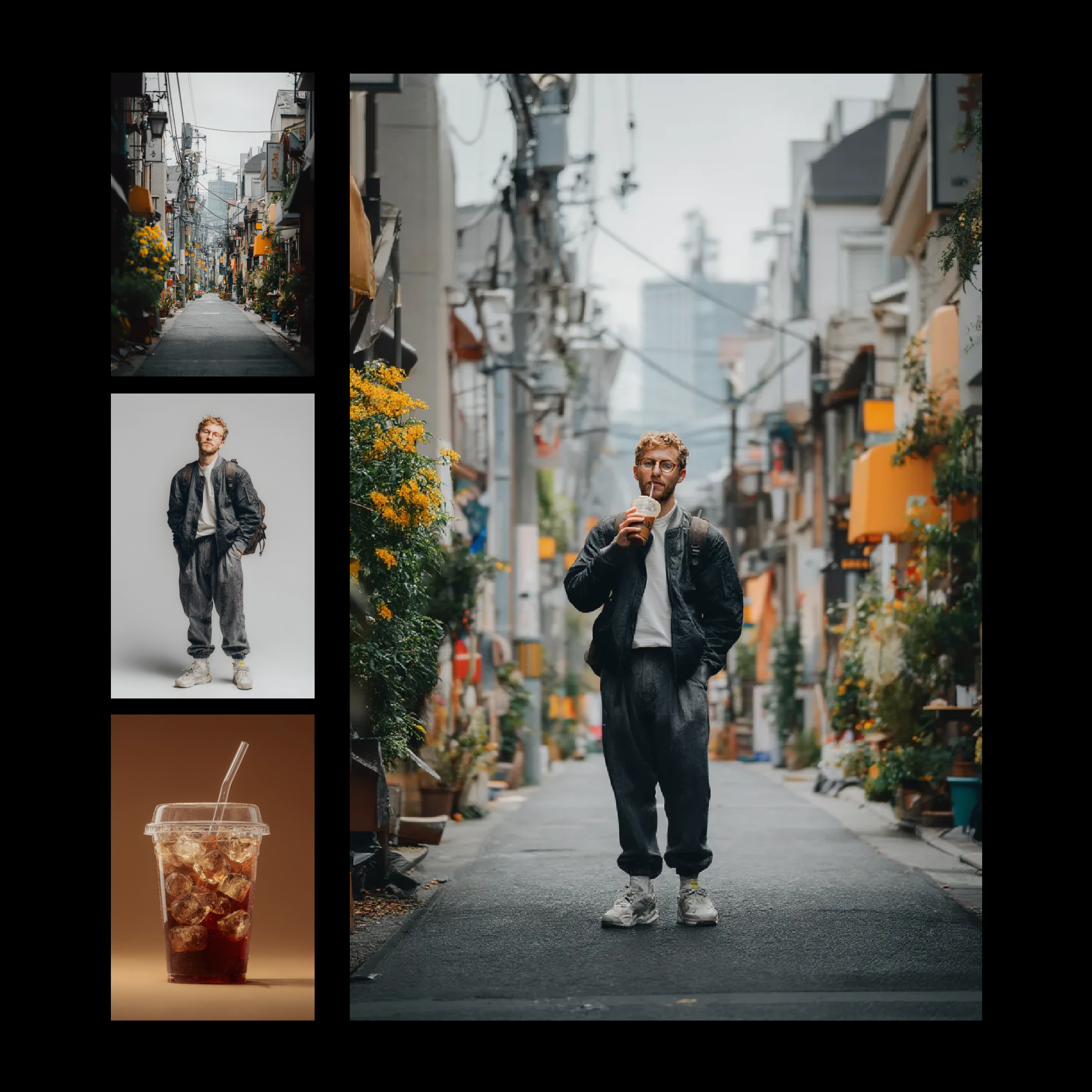
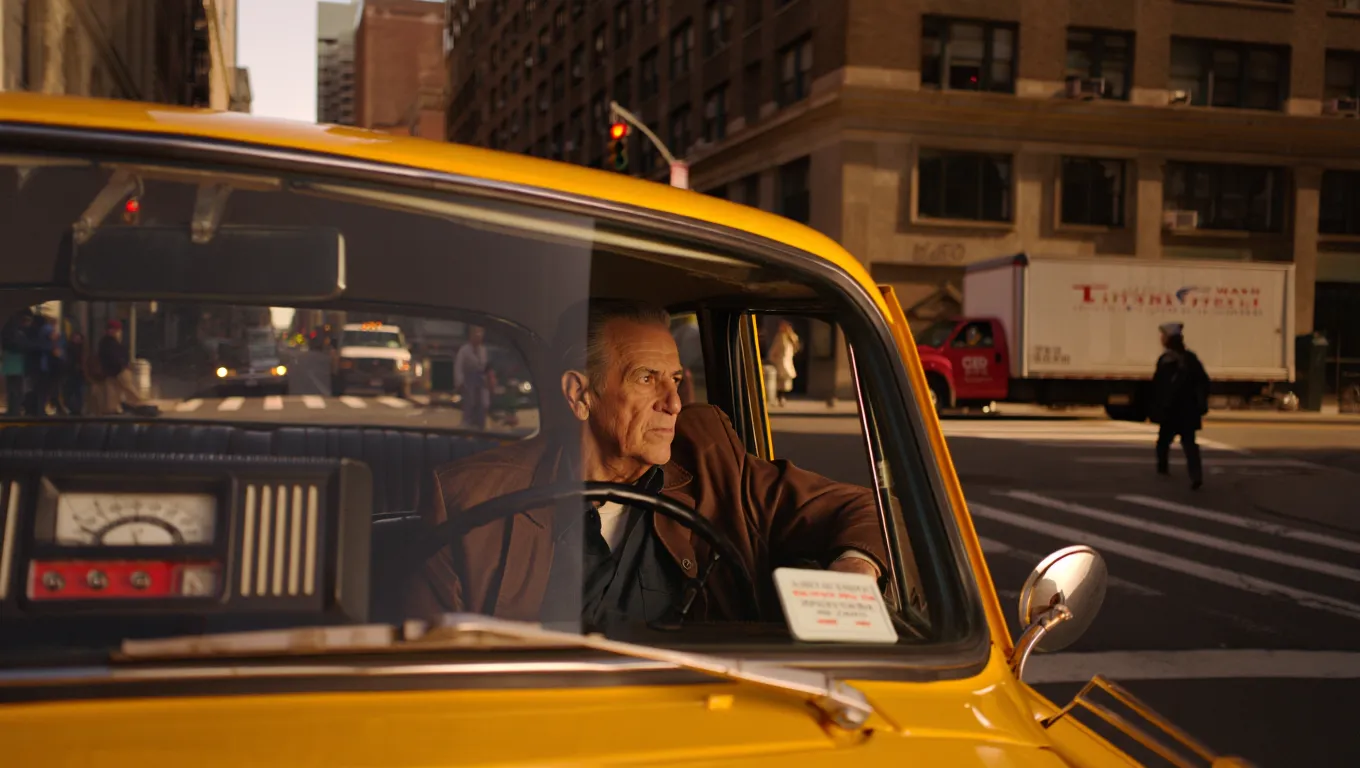
文生图生成,细节丰富且具有精致美感: Reve: Text to Image example 电影感文生图示例,此处为双色调灯光的时尚杂志人像: Fashion editorial portrait with dual-tone lighting 4K 分辨率输出,精细细节保留: Jaguar F-Type on a coastal trail at twilight 通过文本指令编辑图像: Reve: Image Edit example output 图像重混,将多张参考图像合成为一张输出: Reve: Image Remix And Edit example
Reve 已停止提供服务。Reve 合作伙伴节点已退役,下方工作流仅作为存档参考。
使用 API 节点需要保证你已经正常登录,并在受许可的网络环境下使用,请参考API 节点总览部分文档来了解使用 API 节点的具体使用要求。
请确保你的 ComfyUI 已经更新。本指南里的工作流可以在工作流模板中找到。如果找不到,可能是 ComfyUI 没有更新。如果加载工作流时有节点缺失,可能原因有:
  1. 你用的不是最新版(每夜版)。
  2. 启动时有些节点导入失败。

Reve:文生图

输入文本提示词,生成细节丰富、具有精致美感且文字渲染准确的图像。 Reve: Text to Image workflow preview
Run on Comfy Cloud

在 Comfy Cloud 中打开

Download Workflow

下载 JSON,或在模板库中搜索 “Reve: Text to Image”
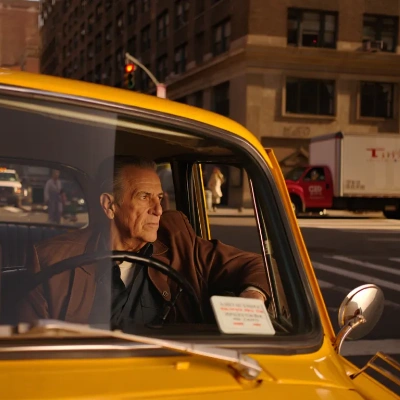
Example output Reve: Text to Image example

示例输出

Fashion editorial portrait with dual-tone lighting
Red sports car speeding through the night
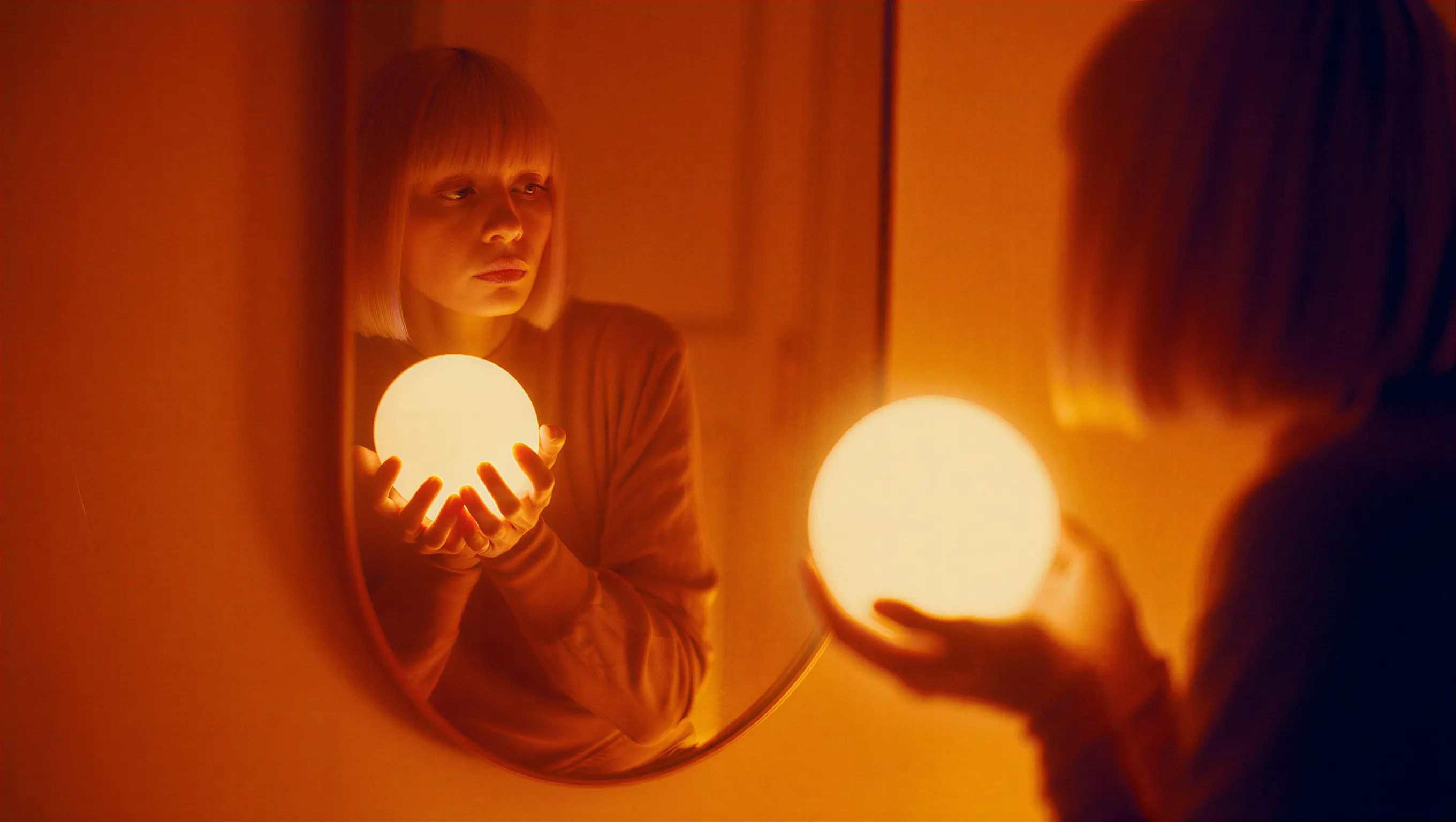
Woman with glowing orb and amber tones
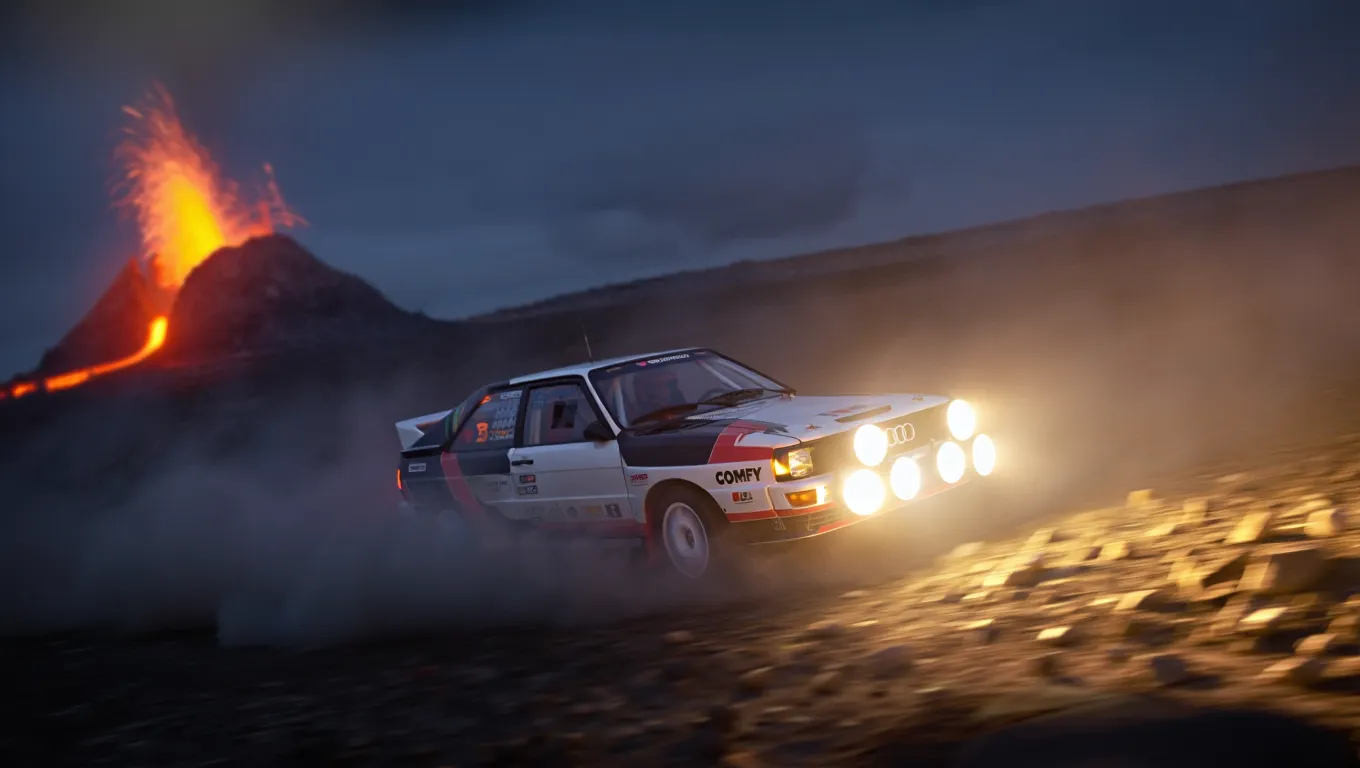
Rally car drifting near a volcano
以下示例展示了 4K 分辨率输出及精细细节保留效果: Jaguar F-Type on a coastal trail at twilight
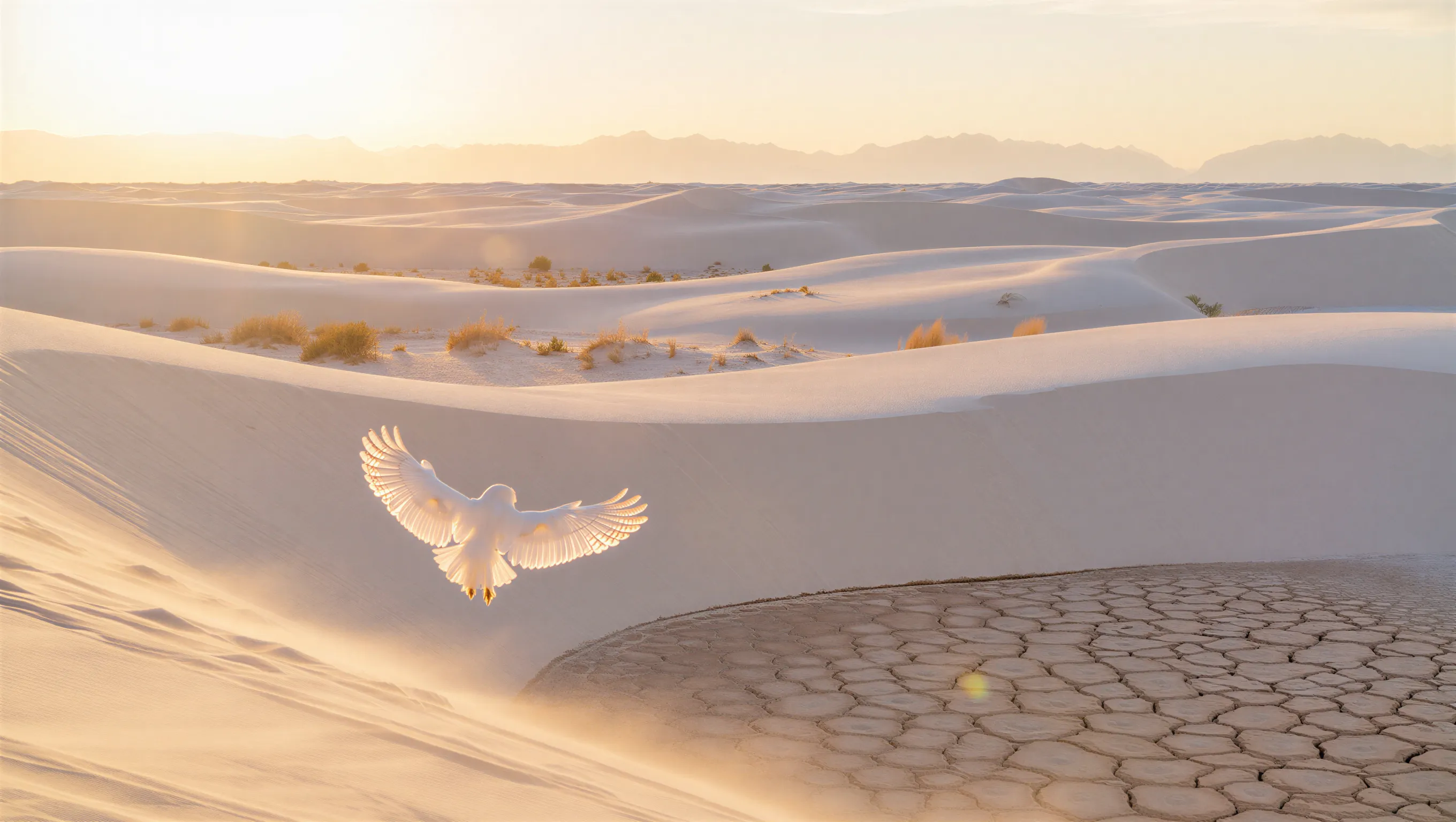
White owl in a desert at golden hour

Reve:图像编辑

上传图像并提供文本编辑指令。使用 Reve 的高级编辑模型生成修改后的输出图像。 Reve: Image Edit workflow preview
Run on Comfy Cloud

在 Comfy Cloud 中打开

Download Workflow

下载 JSON,或在模板库中搜索 “Reve: Image Edit”
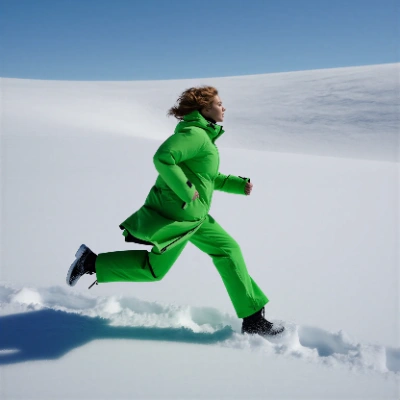
Input materials Upload this file to the matching LoadImage node:

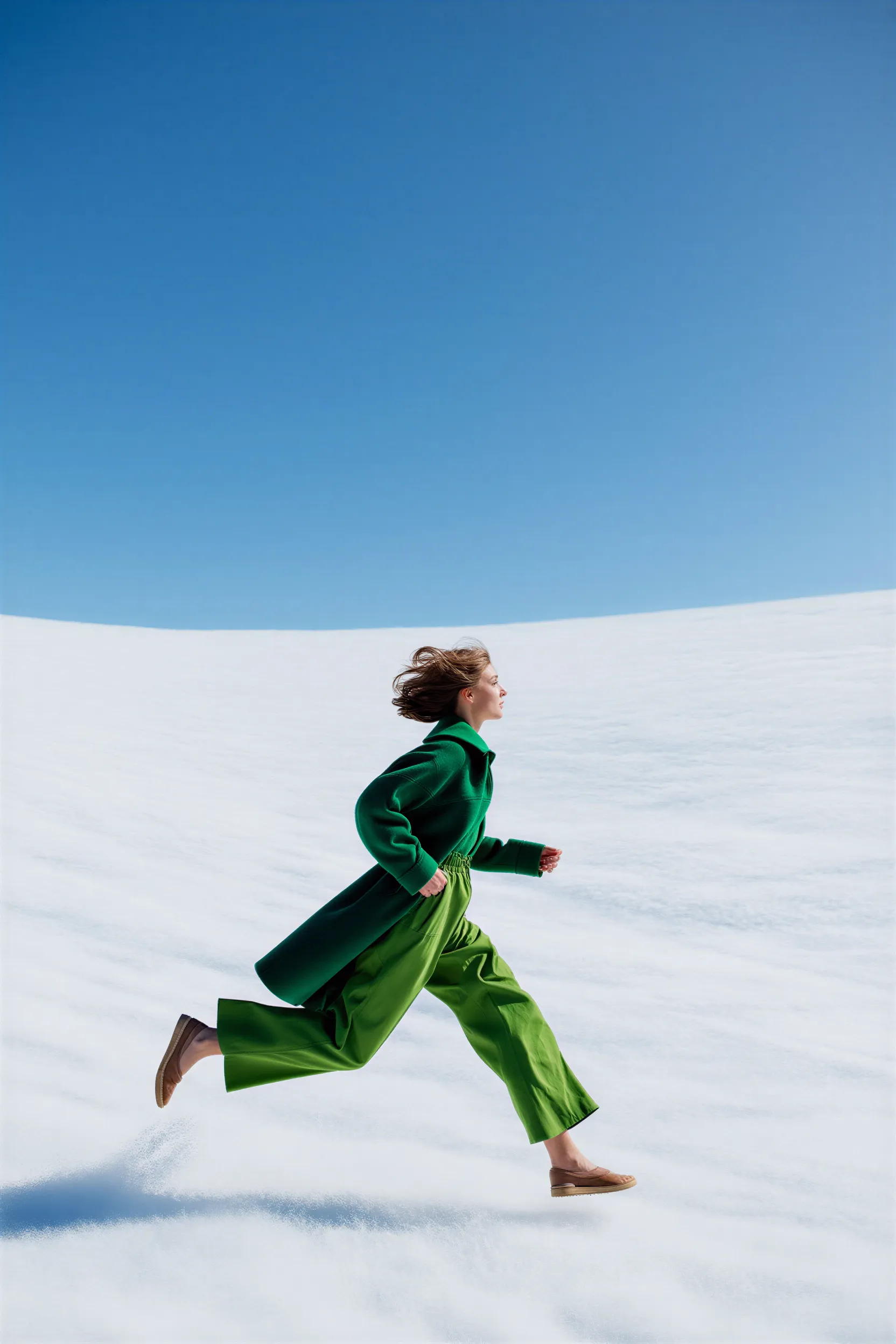
woman_running_in_field.png

LoadImage node 4 · woman_running_in_field.png
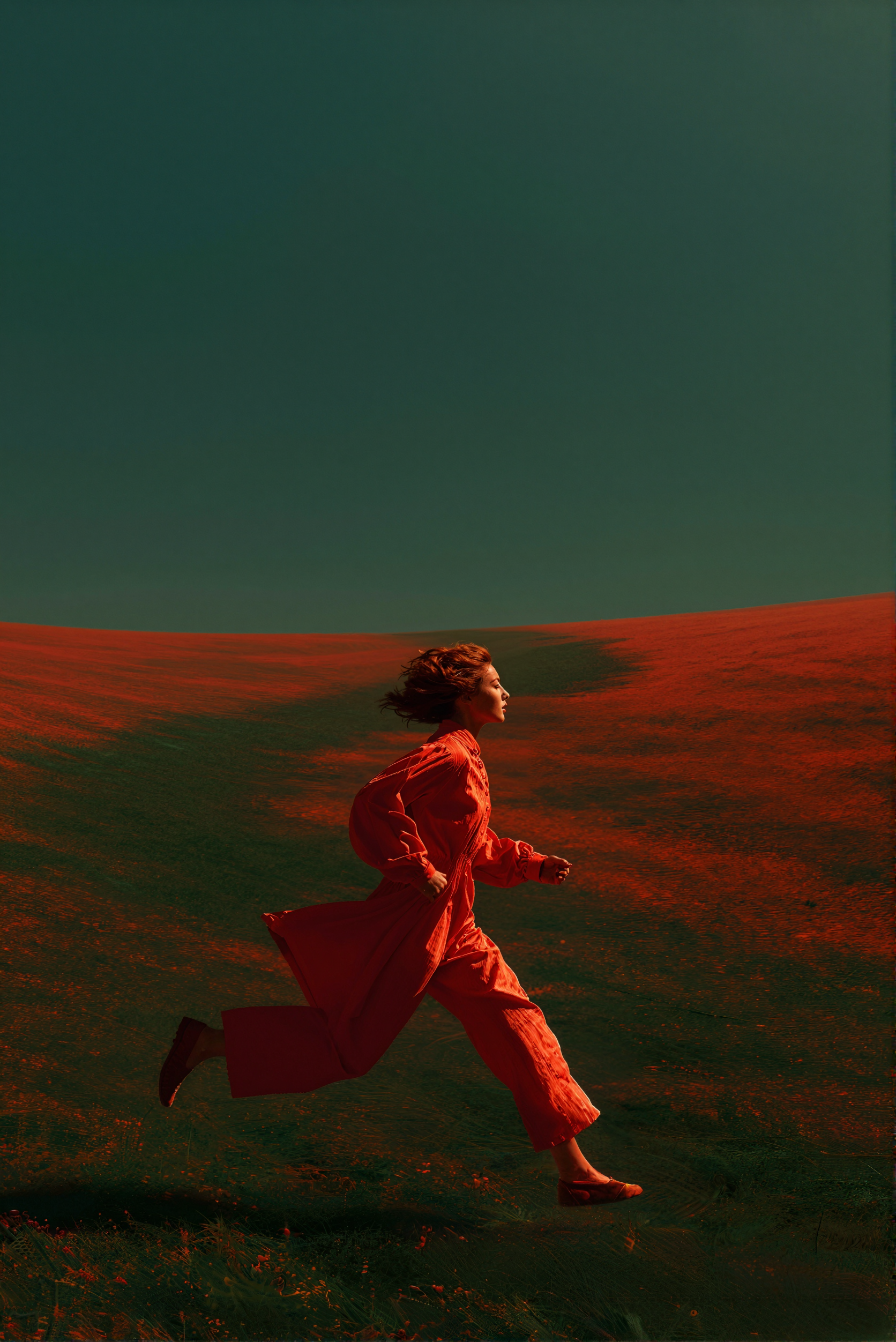
Input imageReve: Image Edit example output

示例输出

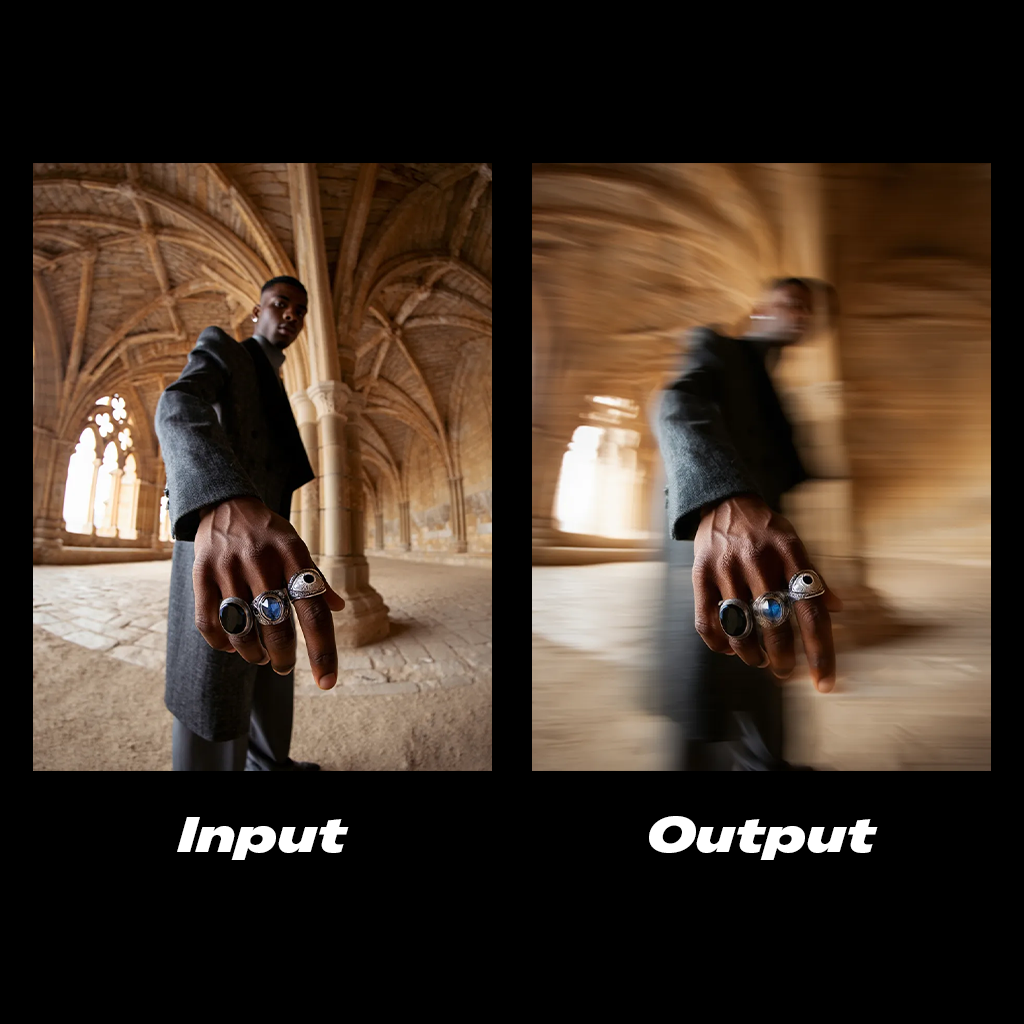
Motion blur edit example
Lighting edit example
Side profile edit example

Reve:图像混合与编辑

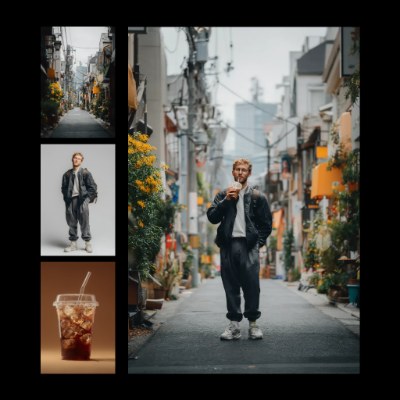
使用 Reve 的高级模型重混并编辑图像。将多张参考图像合成为一张输出。 Reve: Image Remix And Edit workflow preview
Run on Comfy Cloud

在 Comfy Cloud 中打开

Download Workflow

下载 JSON,或在模板库中搜索 “Reve: Image Remix And Edit”
Input materials Upload these files to the matching LoadImage nodes:

iced_drink_cup.png

LoadImage node 2 · iced_drink_cup.png

casual_male_portrait.png

LoadImage node 4 · casual_male_portrait.png

japanese_street_alley.png

LoadImage node 5 · japanese_street_alley.png
Example output Reve: Image Remix And Edit example

示例输出

Shadow transfer remix example
Color grading transfer remix example

开始使用

  1. 更新 ComfyUI 至最新版本,或访问 Comfy Cloud
  2. 从左侧边栏的节点库模板查找 Reve 图像生成、Reve 图像混合和 Reve 图像编辑节点。
  3. 将一个节点拖放到画布上即可开始。

可用节点